01
Knows where you are
Open afomo at the checkout and see at once which card to pay with right here.
 afomo
afomo tells you which of your cards to pay with right now — so you get the highest cashback. Everything on-device, no servers.
An example. In the app it is your cards and your rates.
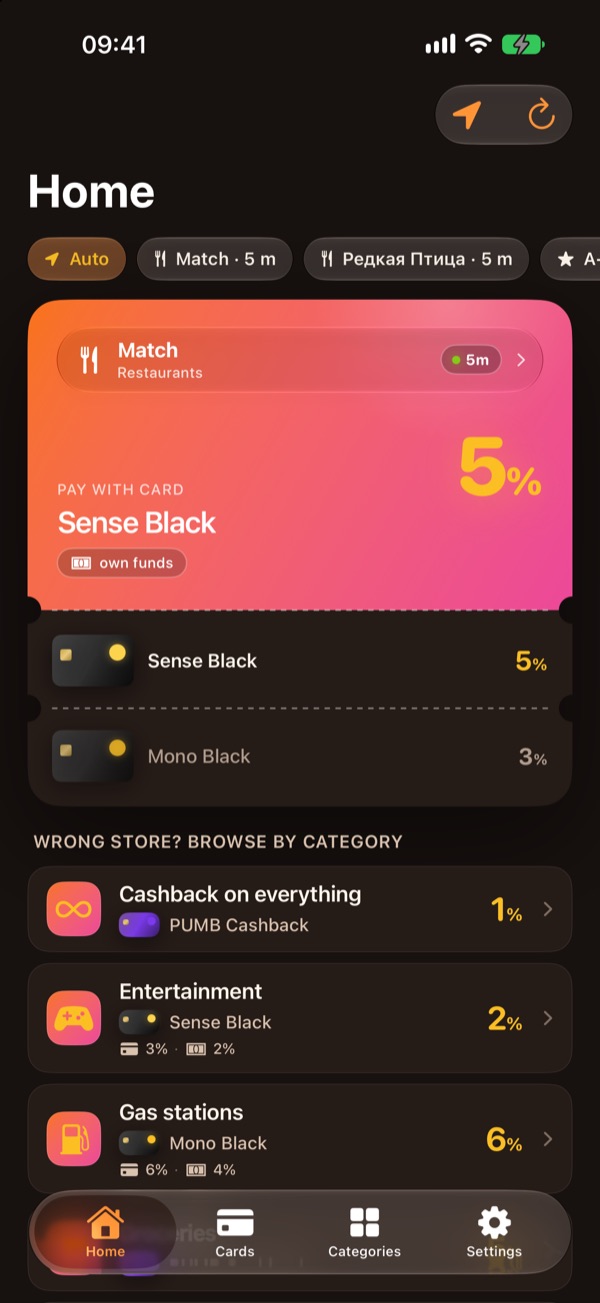
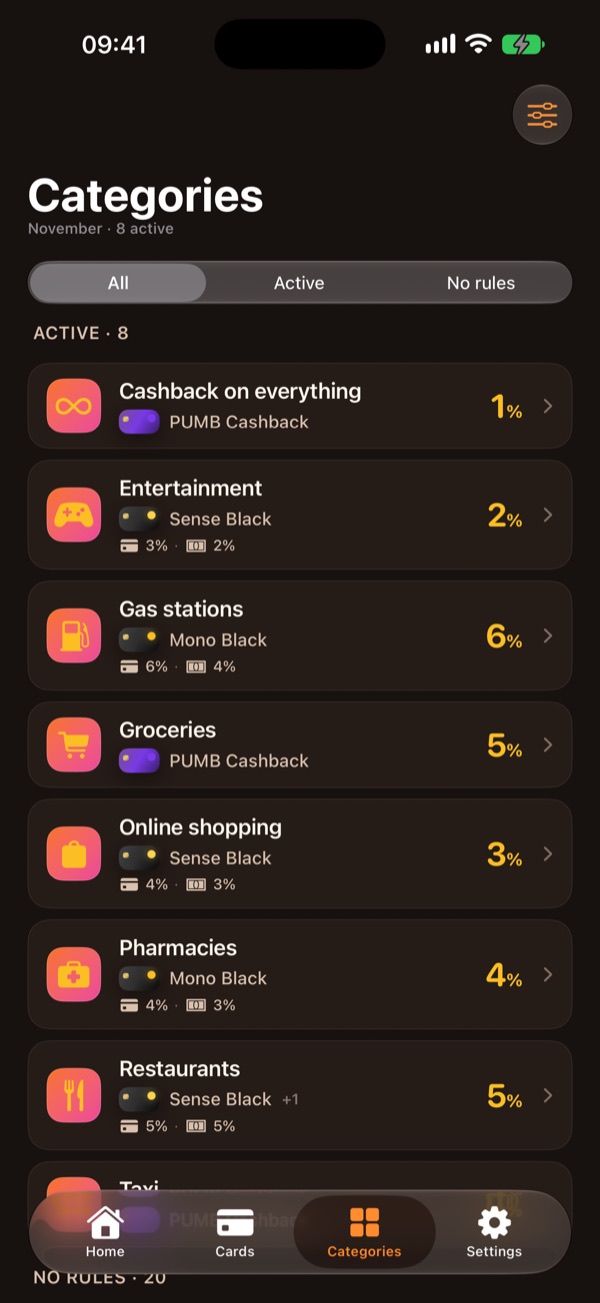
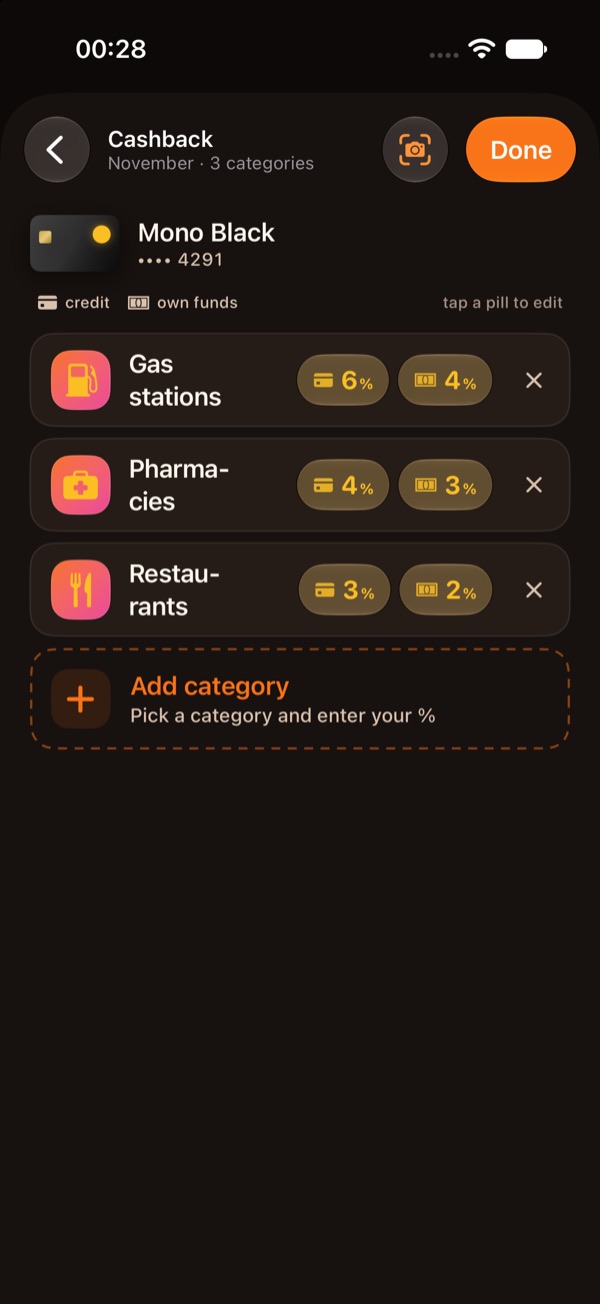
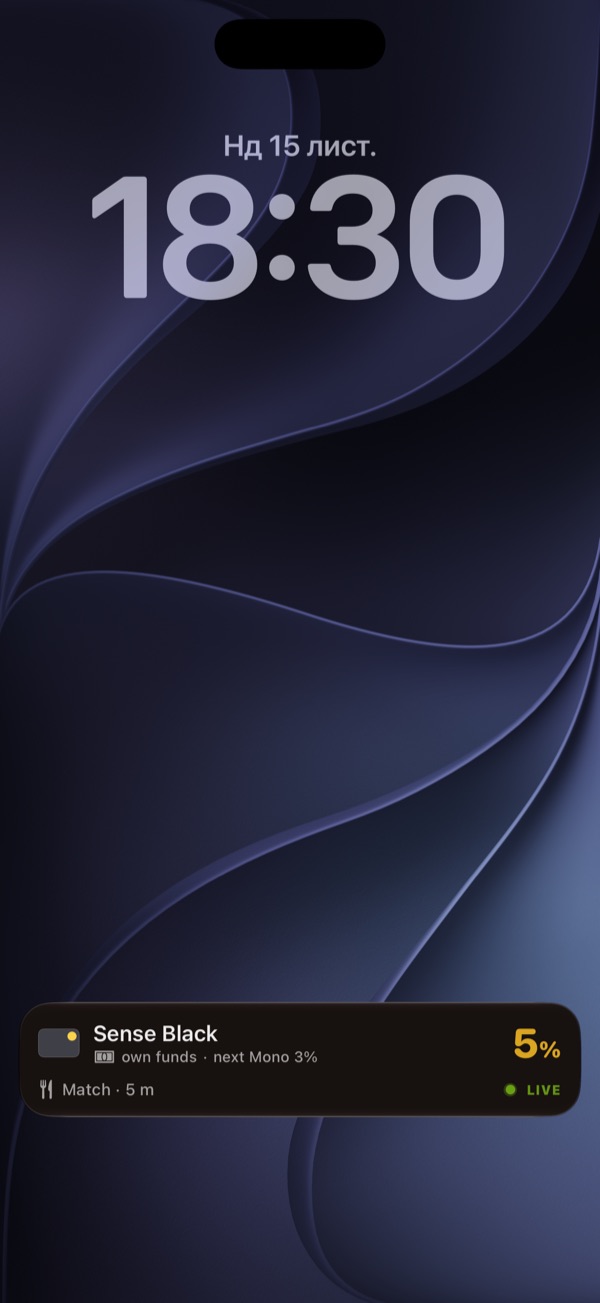
Open afomo at the checkout and see at once which card to pay with right here.
Gas, groceries, cafés, pharmacies — see which card wins at a glance.
Type them in or snap a bank screenshot — afomo reads the categories for you.
Live Activity and Dynamic Island show the card the moment you arrive.
Nothing leaves your iPhone — so there is nothing to show here.
Every bank gives different cashback in different categories. Mono pays best for restaurants, Sense for gas, PUMB for groceries. Remembering it all is impossible. afomo remembers for you.
Location + Apple Maps — on-device, never transmitted.
Mono, PUMB, Sense, izi, Privat — and custom ones too.
Live Activity, Dynamic Island, watch complications.
Share your bank screenshot — afomo recognizes categories & %.
Hints stay silent in zones where you don't shop.
No ads. No in-app purchases. No tracking.
All your data stays on your iPhone. No servers. No analytics. No third parties. Sync — only your iCloud, only your private database.
Add your cards in a minute and stop thinking about which one to pay with.
Download on the App StoreSomething not working? Want to suggest a feature? Email me directly — I reply personally.
Email support
a@fom.inCan the banks see I use afomo?
No. afomo never talks to banks. You enter cashback percentages manually from memory, or via on-device OCR from a bank-app screenshot.
Do I need internet?
Internet is only required for Apple Maps POI search. Everything else works offline.
Can I use it on Apple Watch?
Yes. afomo's Lock Screen widgets automatically appear in the watch's Smart Stack (watchOS 10+). No separate watch app needed.
How do I delete my data?
Delete the app from your iPhone — local data goes with it. If you enabled iCloud sync, also visit Settings → Apple ID → iCloud → Manage Storage → afomo → Delete data from iCloud.